Affont 1.3.1: no more folders on the Desktop, lock “This pair only” and a Darker theme
 Affont TeamTeamTeam· · Edited
A small update, made of what you asked for. Thank you for writing in!
What’s new on Desktop:
- No more folders on the Desktop
Affont no longer creates a folder on the Desktop every time you open it. It was a backup it kept there for Send, because Affinity only lets its scripts write to the Desktop. Now Send delivers the letters straight to Affont: keep Affont open, and if it’s closed, the script asks you to open it.
When you update to 1.3.1, the “Affont” folder left on the Desktop is deleted on its own. Anything you sent that hadn’t been read yet goes into your project first.
For this, import the Affinity scripts again: in Affont, Settings ▸ Scripts for Affinity ▸ Save…; in Affinity, Script Library ▸ ▾ menu ▸ Import scripts…
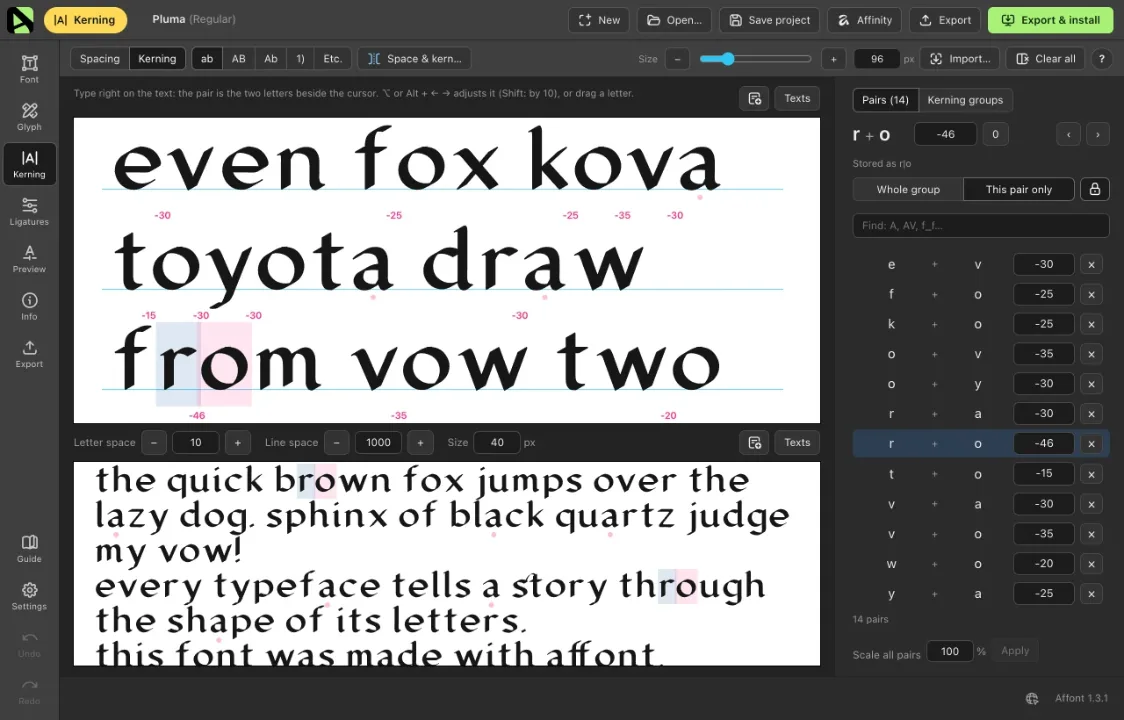
- Kerning: lock “This pair only”
A new lock next to Whole group and This pair only keeps This pair only selected: every adjustment you make by hand changes just that pair, without choosing it each time. Handy if you space and kern automatically first and then fine-tune pairs one by one. Affont remembers it the next time you open it.
- A Darker theme
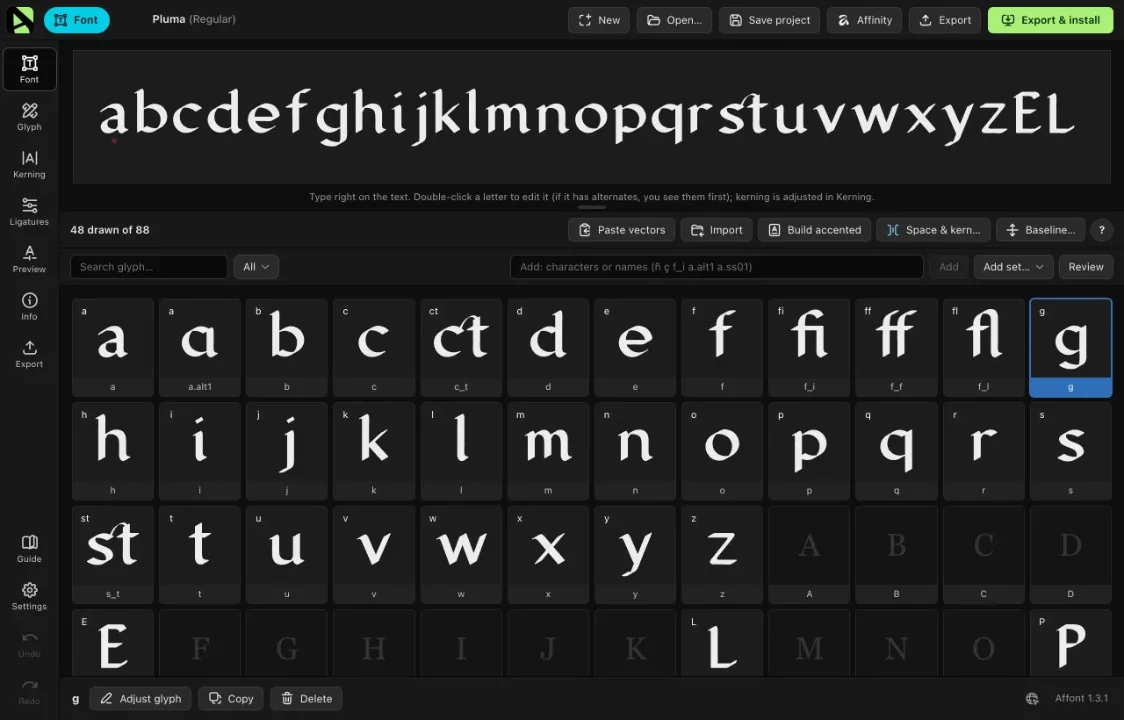
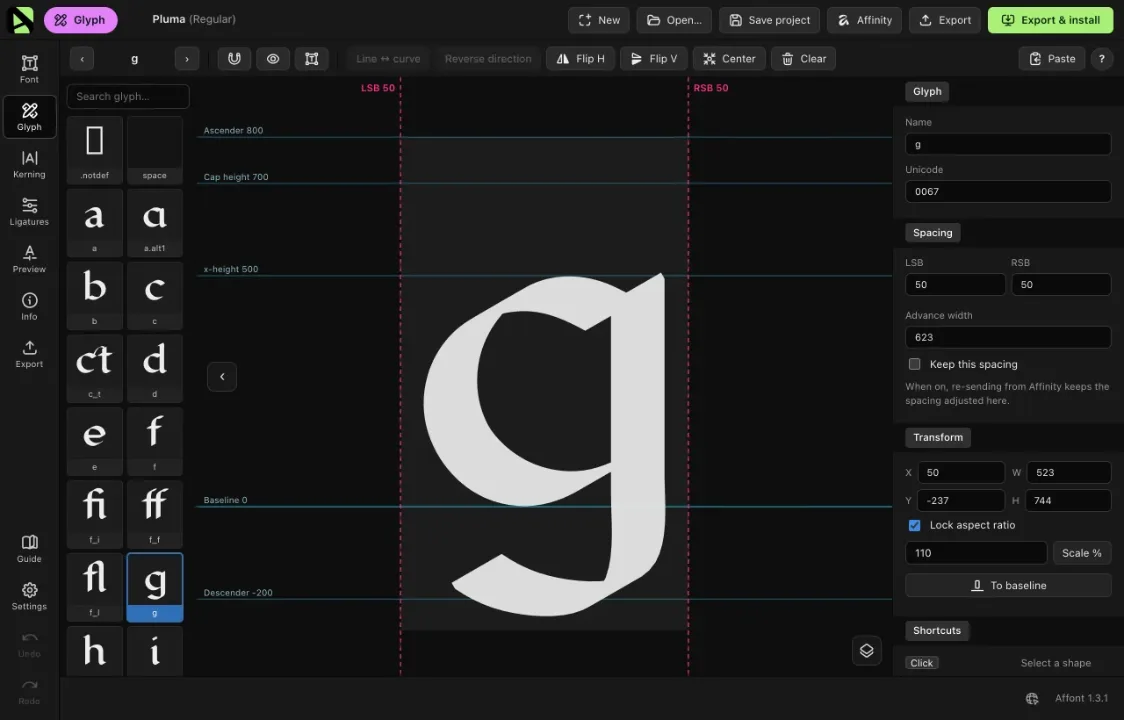
A new interface theme, Darker: the whole interface goes dark, including the cells and the glyph screen, ideal for working at night. Pick it in Settings ▸ Appearance.
Happy font making!