Kerning
Smart spacing and kerning.
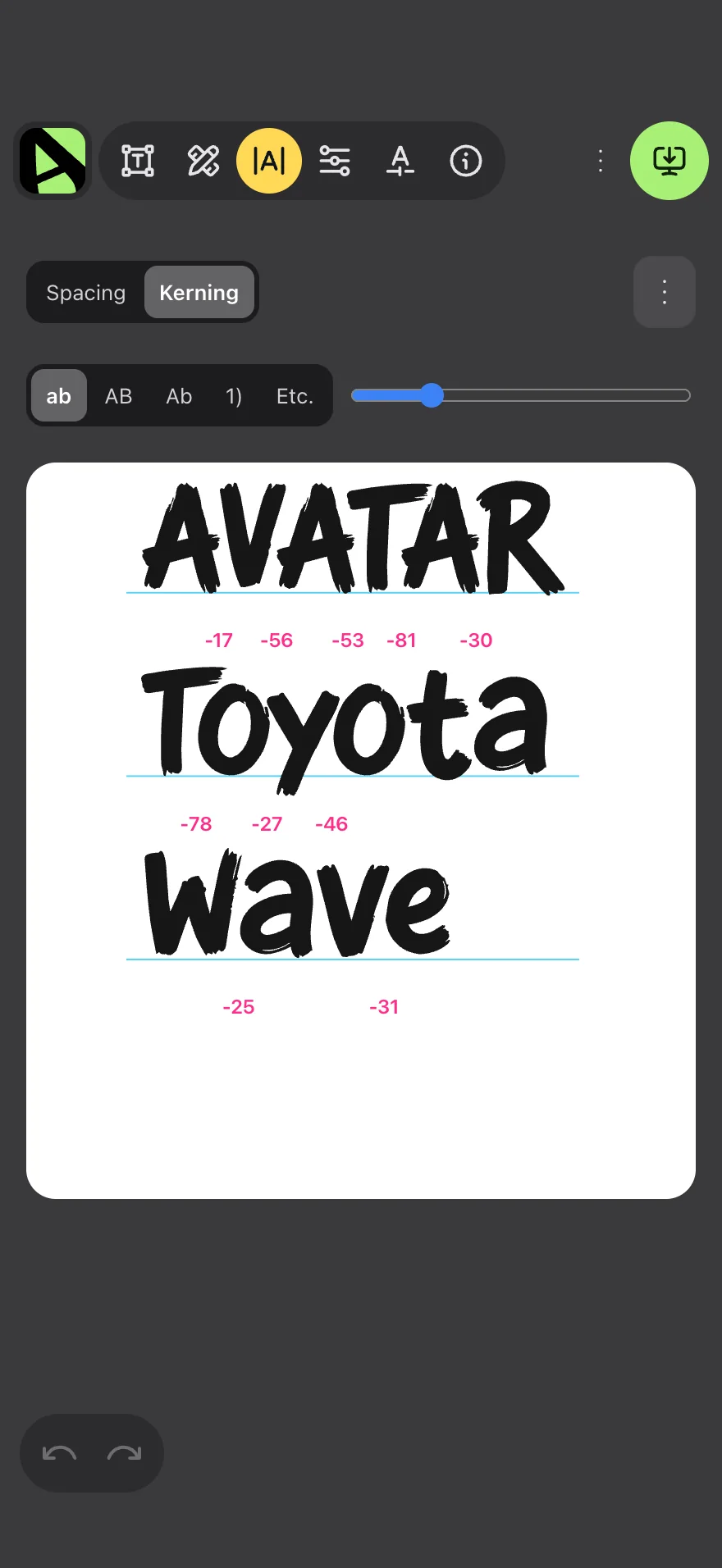
Affont sets each letter’s side bearings from its shape and adds only the pairs that need it, as professional fonts do. Then you fine-tune by eye.
 Font maker app for iPhone
Make your font with your finger.
Draw every letter on your iPhone, adjust spacing and kerning, and walk away with a real font ready to install.
USD $9.99, one-time purchase, no subscription. For iPhone with iOS 18 or later.
Draw with your finger
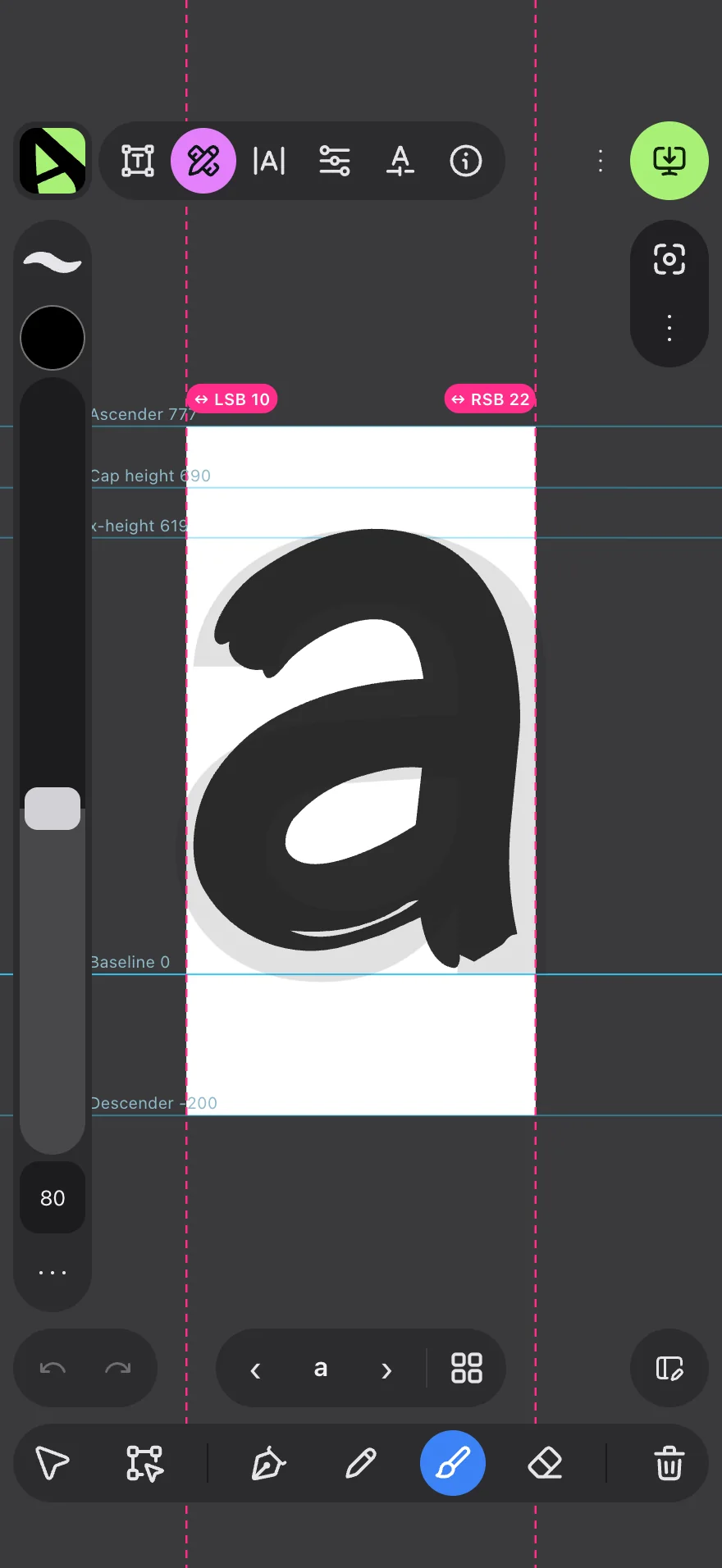
Every letter has its own cell with the baseline, the x-height and a faint guide letter to trace over.
On the phone, finger speed works as pressure, and smoothing takes the shake out of your hand.
With Nodes you move each point and its handles until the letter looks the way you want.
Twenty texture brushes, from watercolor to linocut.
Just what you need to draw letters on a small screen, with no hidden menus.
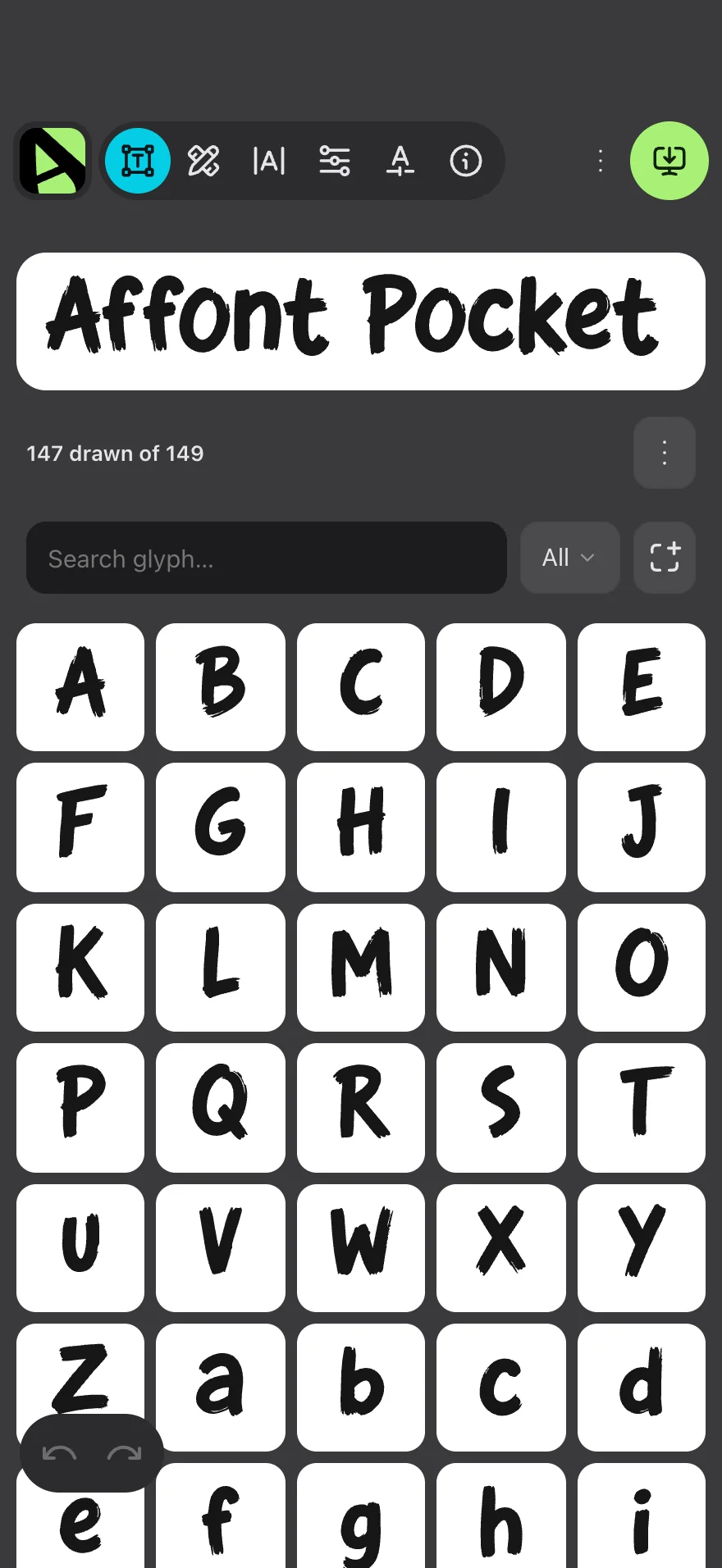
Every letter in this row was painted by Affont Pocket’s own engine, each with a different brush. If you want it editable, there are five vector brushes too.
In iPhone apps you’ll probably see only the silhouette. Exported, the texture shows on your computer and wherever SVG fonts are supported.
Features
The same professional Affont features, adapted to the phone.
Kerning
Affont sets each letter’s side bearings from its shape and adds only the pairs that need it, as professional fonts do. Then you fine-tune by eye.
Ligatures
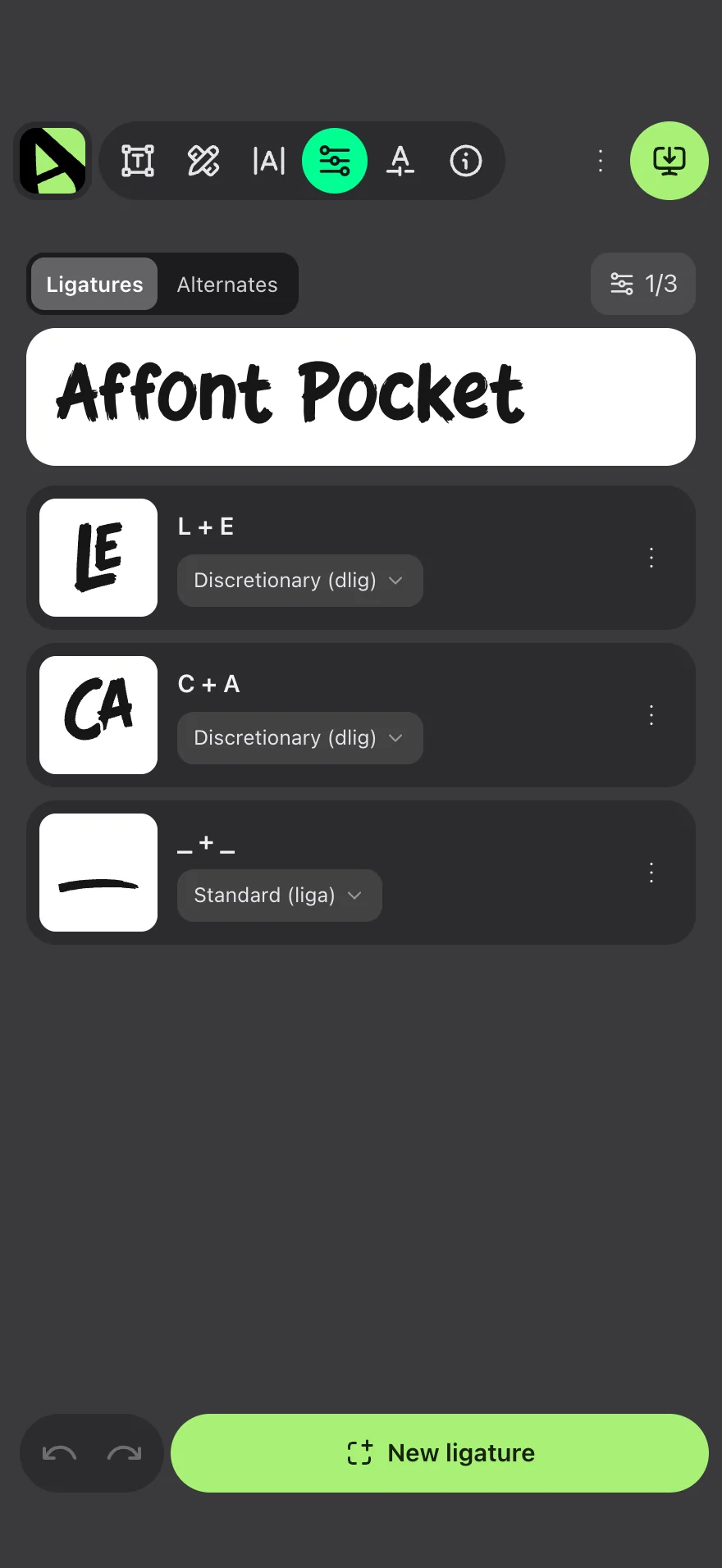
Letters that join by themselves as you type, and alternate shapes, all in the same font.
Preview
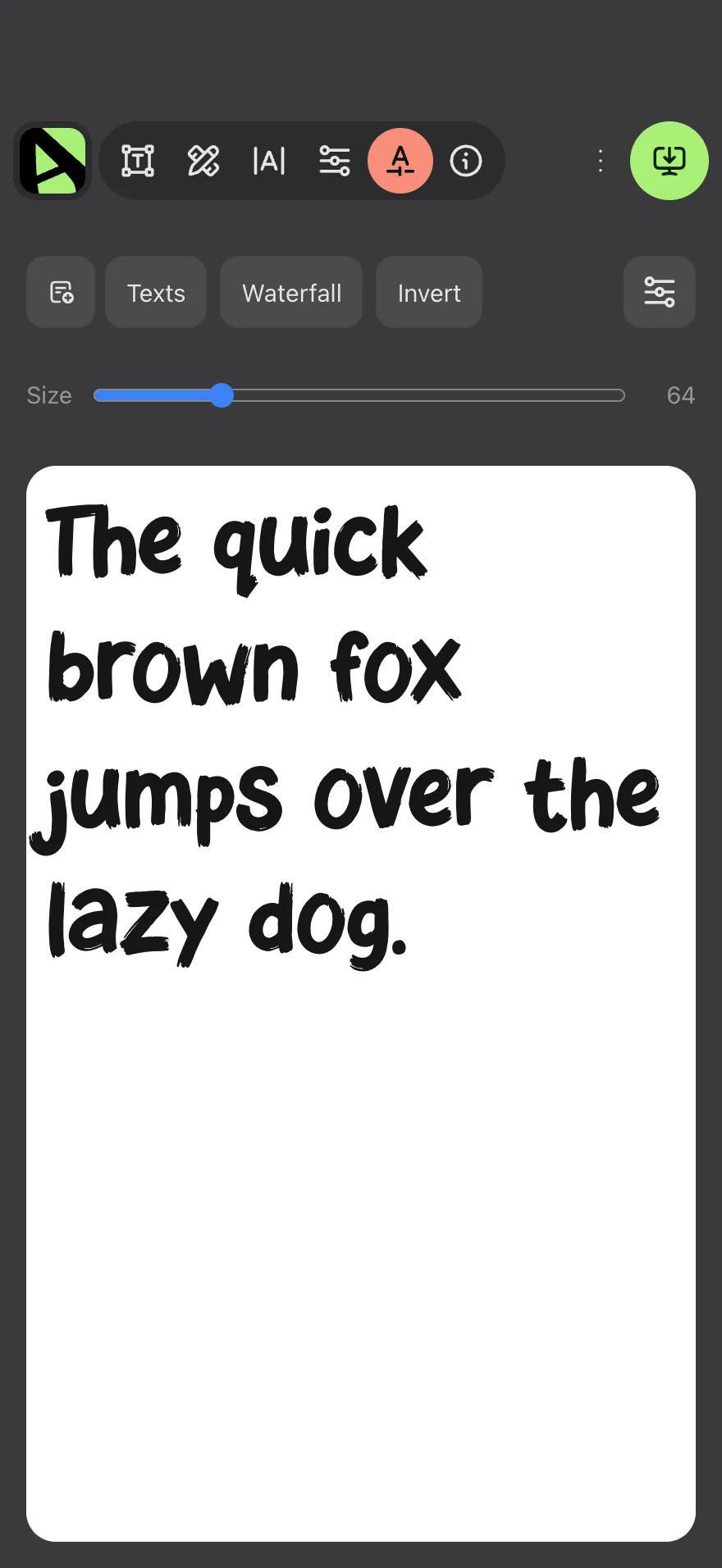
Type your own text and see the font as a waterfall, at different sizes or inverted.
Export
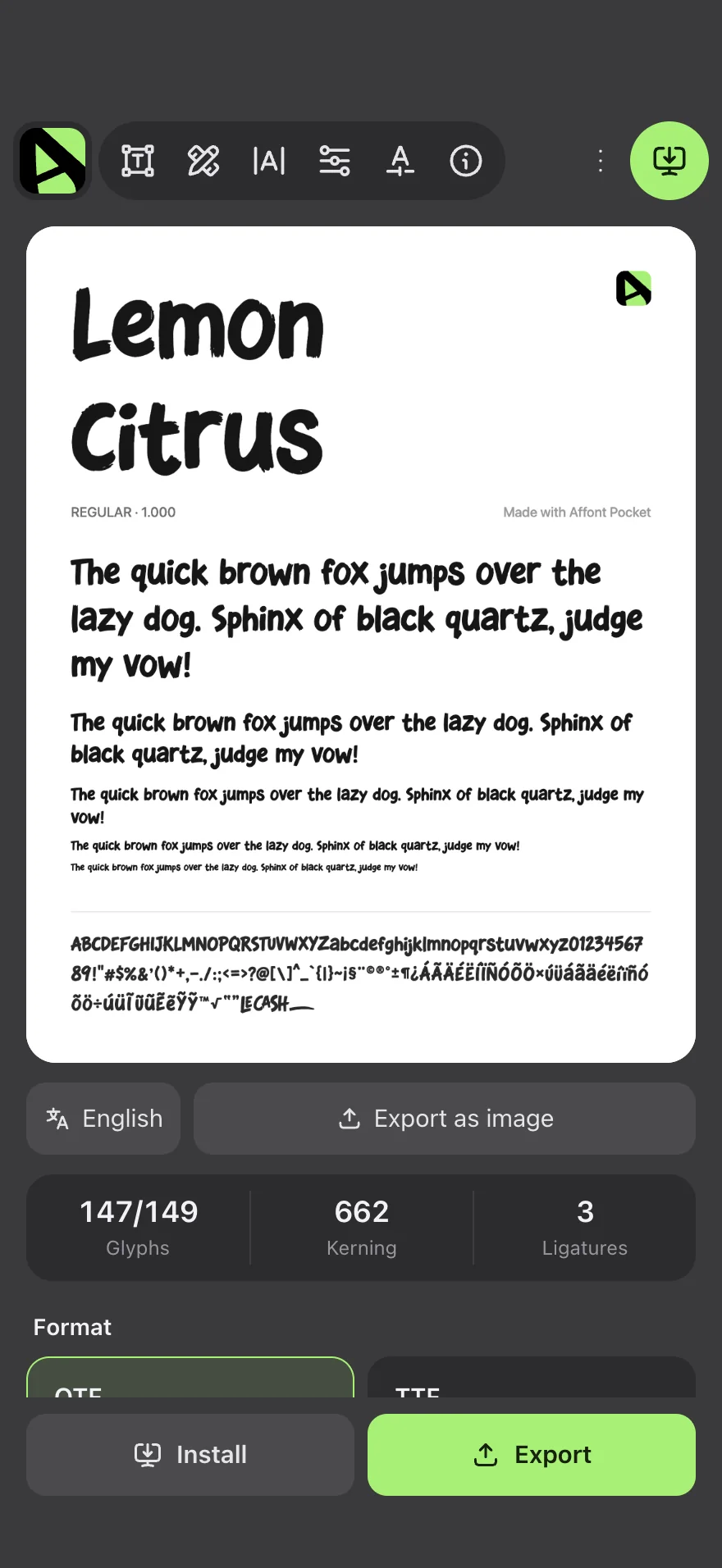
OTF, TTF, WOFF and WOFF2. Install it on your iPhone to use in your apps, or share it to take it to your computer.
The three Affonts
Pocket is a separate app, made for iPhone. Here’s how it compares with the other two.
| Affont PocketApp for iPhoneYou’re here | Affont for iPadApp for iPadComing soon |  Affont for Mac and WindowsPlugin and app for Affinity | |
|---|---|---|---|
| Where you draw | On iPhone, with your finger | On iPad, with Apple Pencil or your finger | In Affinity, with its tools |
| Connects to Affinity | No | Yes, through the .af file | Yes, with two scripts |
| Brushes | 5 vector and 20 texture | Vector, texture and your .abr | Affinity’s own |
| Kerning, ligatures and color | Yes | Yes | Yes |
| Installing the font | On iPhone, with a profile | On iPad, with a profile | On your computer |
| Where to buy | On the App Store | On the App Store | At affont.org |
| Price | USD $9.99 | USD $24 | USD $24 |
| License | Pocket only, separate from the others | 3 devices, plus Mac and Windows | 3 devices, and it activates iPad too |
No fine print
Need any of these? See Affont for Mac and Windows.
Install
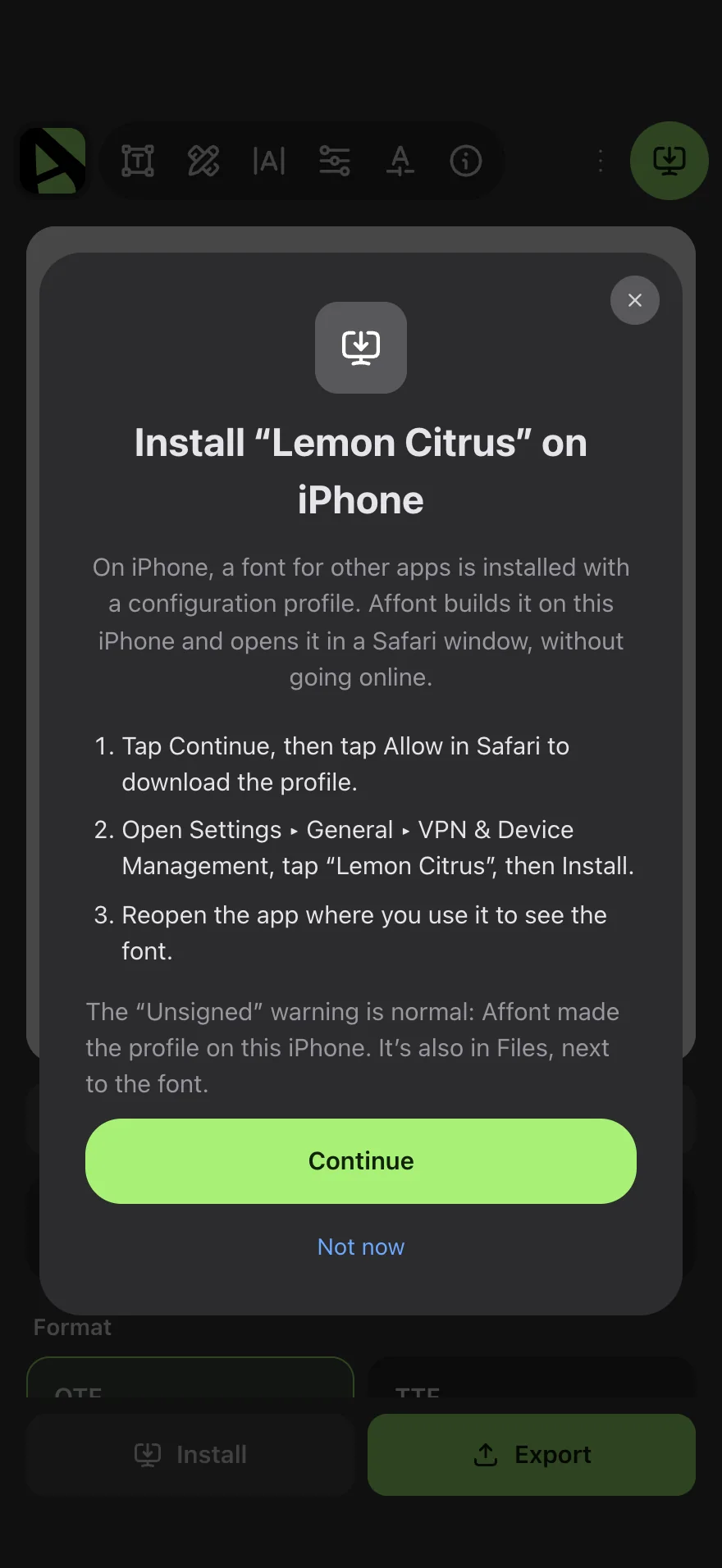
iPhone installs fonts with a configuration profile. Affont builds it on your phone, without going online.
The “Unsigned” label is normal: Affont made the profile on your iPhone.
Price
USD $9.99
A one-time purchase on the App Store, no subscription. The App Store shows the price for your country.
Questions
Another question? Write to support@affont.org or ask in the Community.
No. Affont Pocket doesn’t connect to Affinity: you draw and build the whole font on your iPhone. If you want to make your letters in Affinity, Affont for Mac and Windows is the one for you.
No. Pocket is a separate app sold on the App Store. It doesn’t include a key for the other Affonts either.
No. You pay once, USD $9.99, and updates are included. The App Store shows the price for your country.
In Export, tap Install and follow the steps: iPhone installs it with a configuration profile, in Settings ▸ General ▸ VPN & Device Management. Then reopen the app where you use it.
Texture letters go into the font as an image, with their silhouette as a fallback. Most iPhone apps show only the silhouette. Exported, the font shows them with texture on your computer and in apps that support SVG fonts. If you want to use it everywhere, draw it with the vector brushes.
Yes. Export the font as OTF, TTF, WOFF or WOFF2, save it to Files or share it, and install it on your computer like any other font.
Any iPhone with iOS 18 or later.
15: English, Spanish, Portuguese, French, German, Dutch, Danish, Norwegian, Swedish, Finnish, Icelandic, Indonesian, Vietnamese, Japanese and Thai.
Yes, 100%. You can sell them, use them in commercial work or give them away.
USD$9.99
Buy on the App StoreiPhone, iPad, Apple Pencil and App Store are trademarks of Apple Inc.