Affont Pocket: make fonts on your iPhone with your finger
 Affont TeamTeamTeam· · Edited
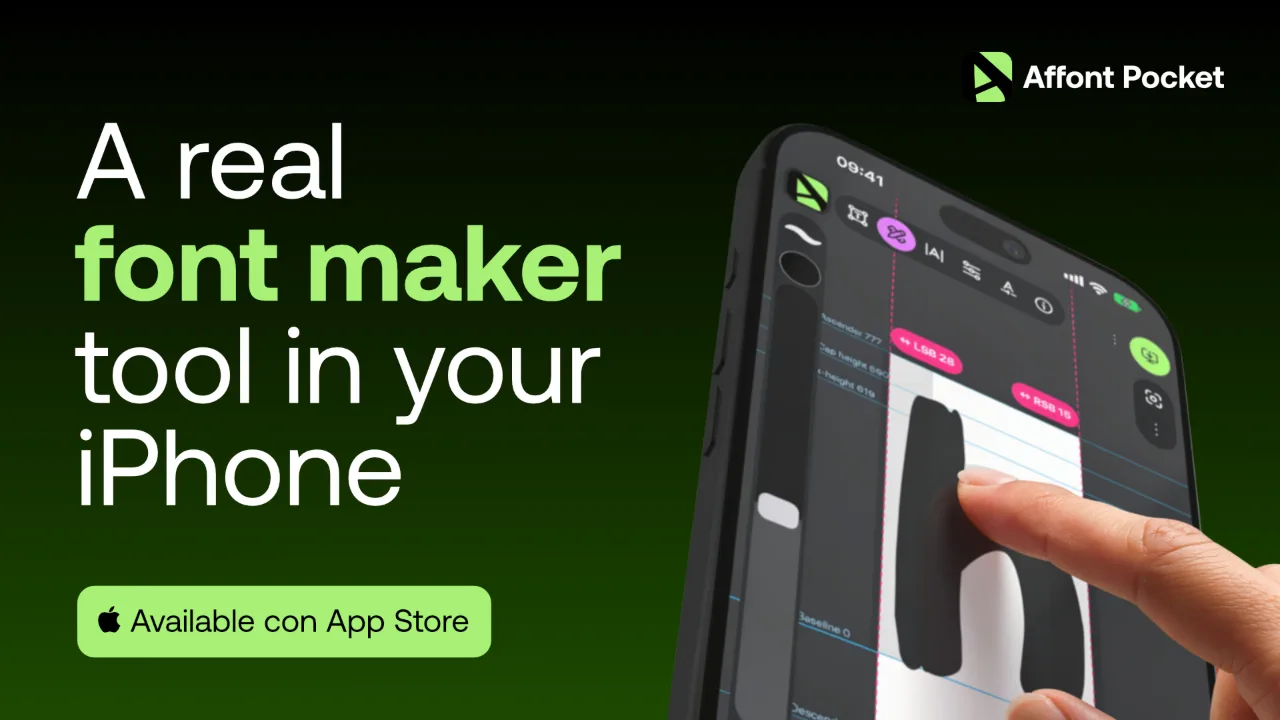 Affont Pocket is now on the App Store.
It's Affont for iPhone: you draw each letter with your finger, Affont spaces and kerns it, and you end up with a real font you can install on your iPhone or take to your computer.
It's available all over the world, in all 175 App Store countries except the European Union. It will arrive there later.
Draw with your finger
Six tools and nothing hidden in menus: Select, Nodes, Pen, Pencil, Brush and Eraser.
- 5 vector brushes. The stroke stays a shape you can edit node by node, so the font works everywhere.
- 20 texture brushes, like watercolor, oil, charcoal and chalk. They paint the letter as an image. Most iPhone apps will only show its silhouette; exported, the texture shows on your computer and wherever SVG fonts are supported.
Everything that makes it a font
- Smart spacing and kerning, then you fine-tune by eye.
- Ligatures and alternates.
- Accented letters built from the letter and the accent.
- Color and texture letters, as OpenType-SVG and COLR.
- Preview with your own text.
- Export to OTF, TTF, WOFF and WOFF2.
What it doesn't do
Pocket doesn't connect to Affinity, doesn't import SVG files or letter sheets, and makes one style per font. If you design your letters in Affinity, Affont for Mac and Windows is still the one for you.
Price
USD $9.99, one-time purchase. No subscription, updates included. It's a separate app, so it doesn't use or include an Affont license for Mac or Windows. No account needed: your fonts stay on your iPhone. It works on iOS 18 or later, and the app is in 15 languages.
Get Affont Pocket on the App Store
If you make a font with it, we'd love to see it in Show. And if something doesn't work the way you expect, tell us.